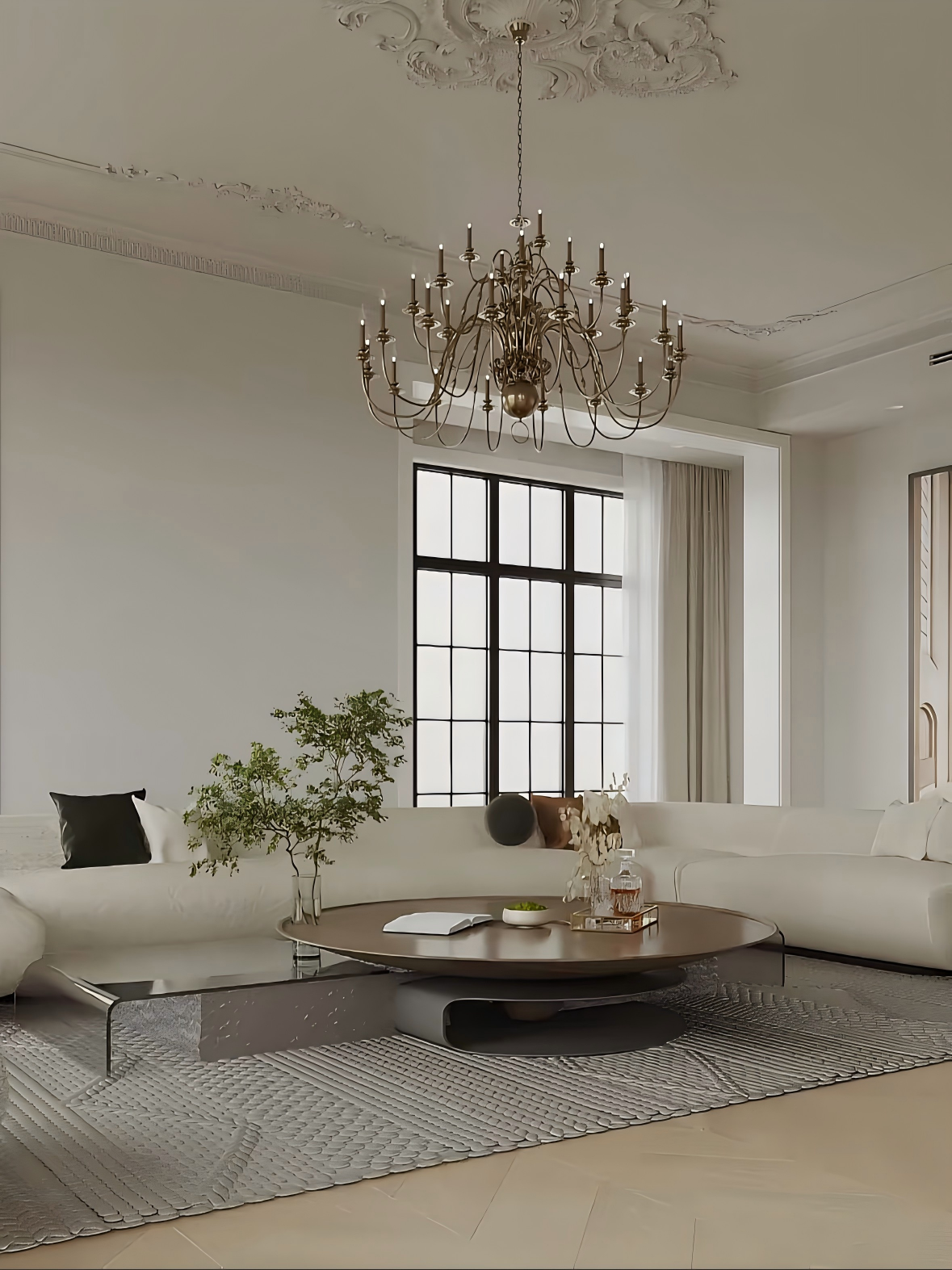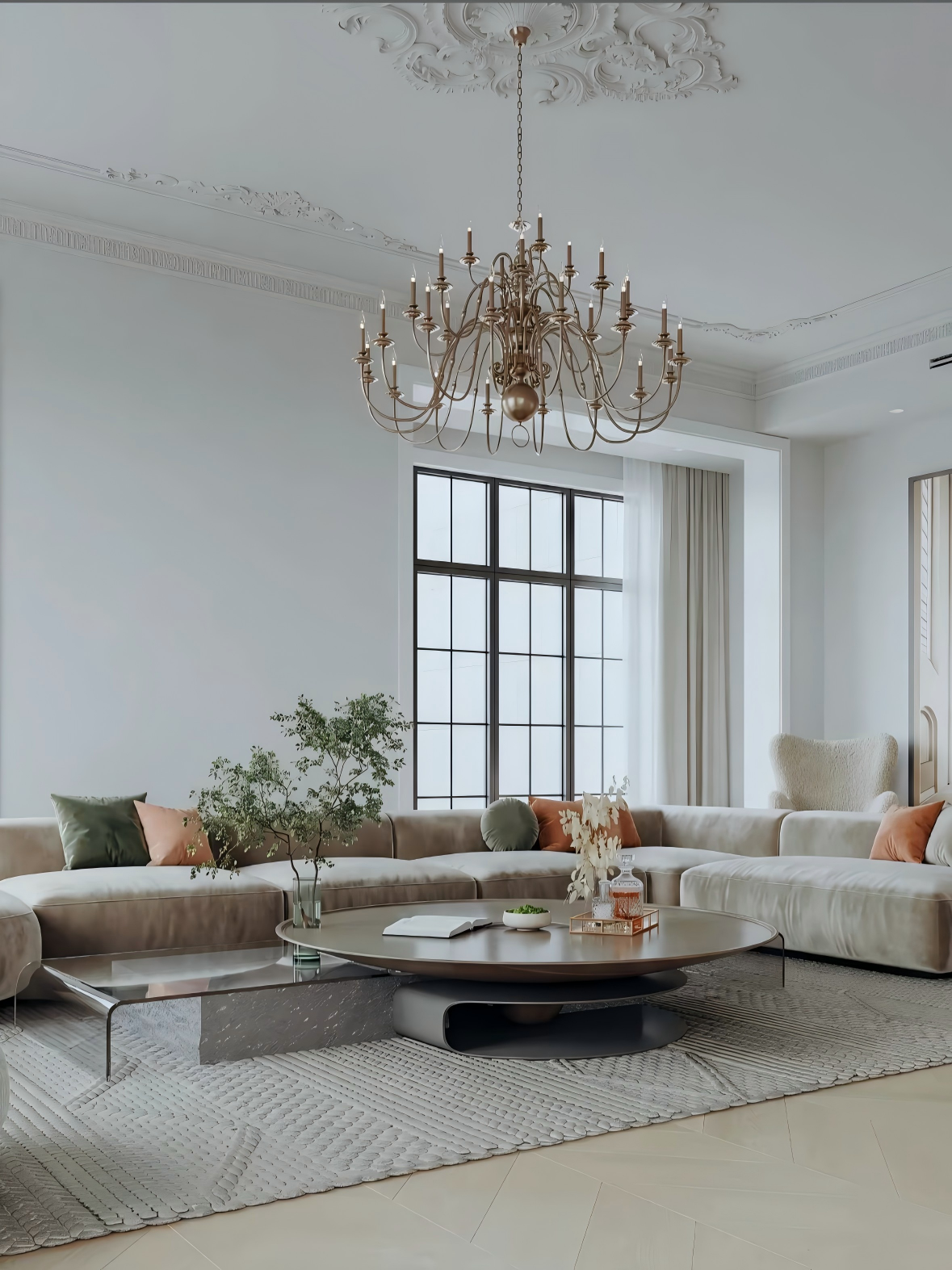
"Core Constraints": {
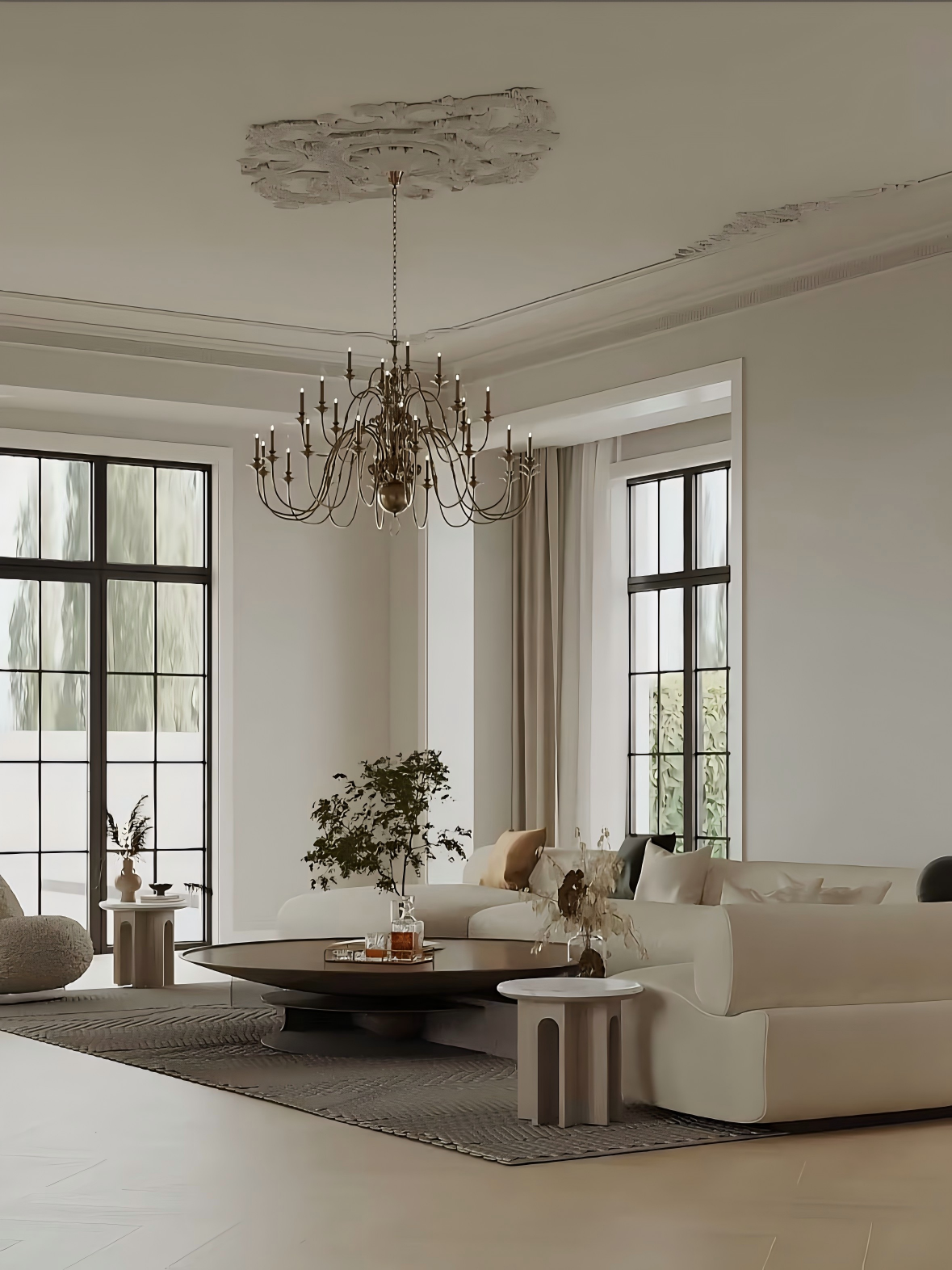
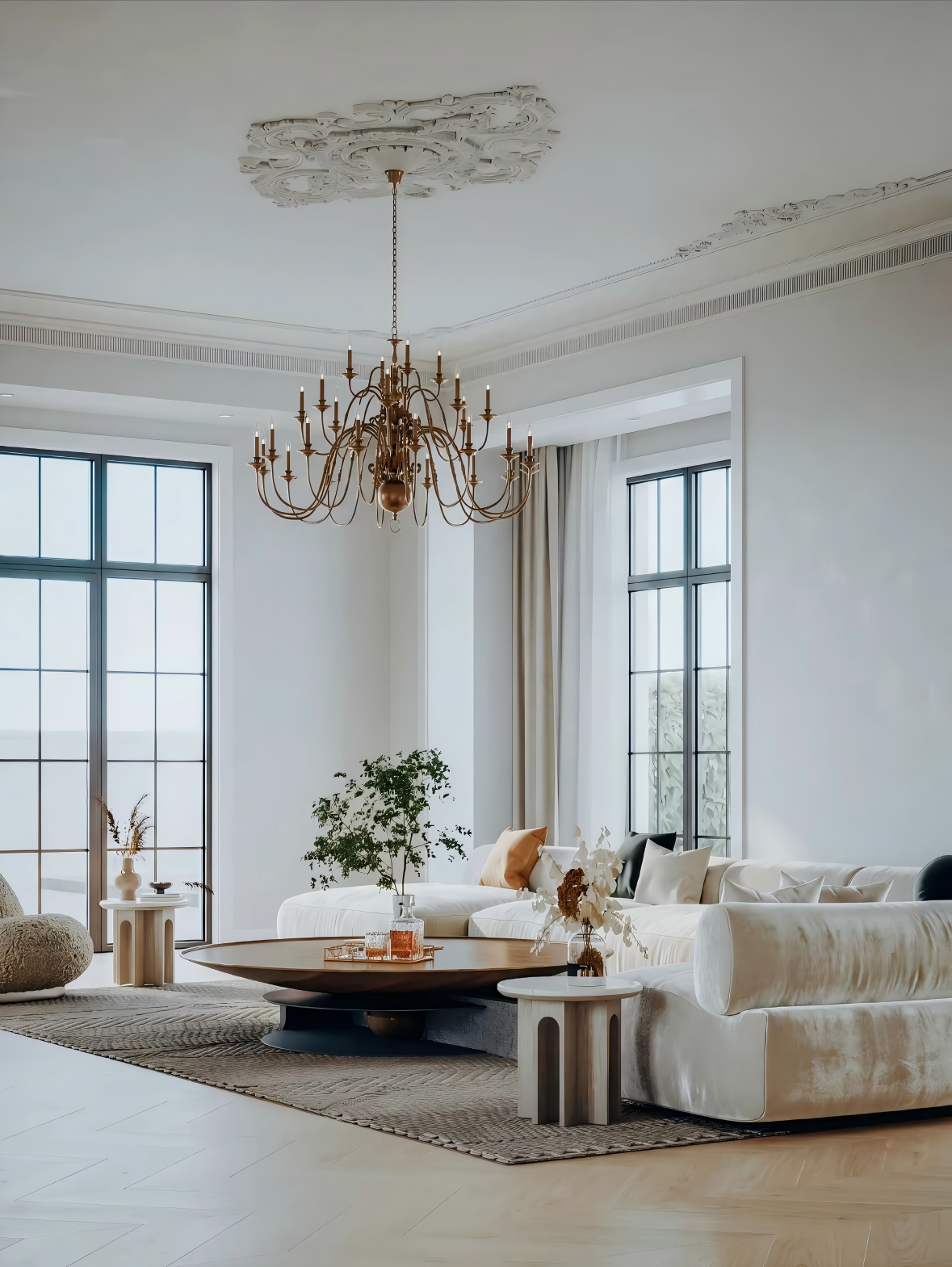
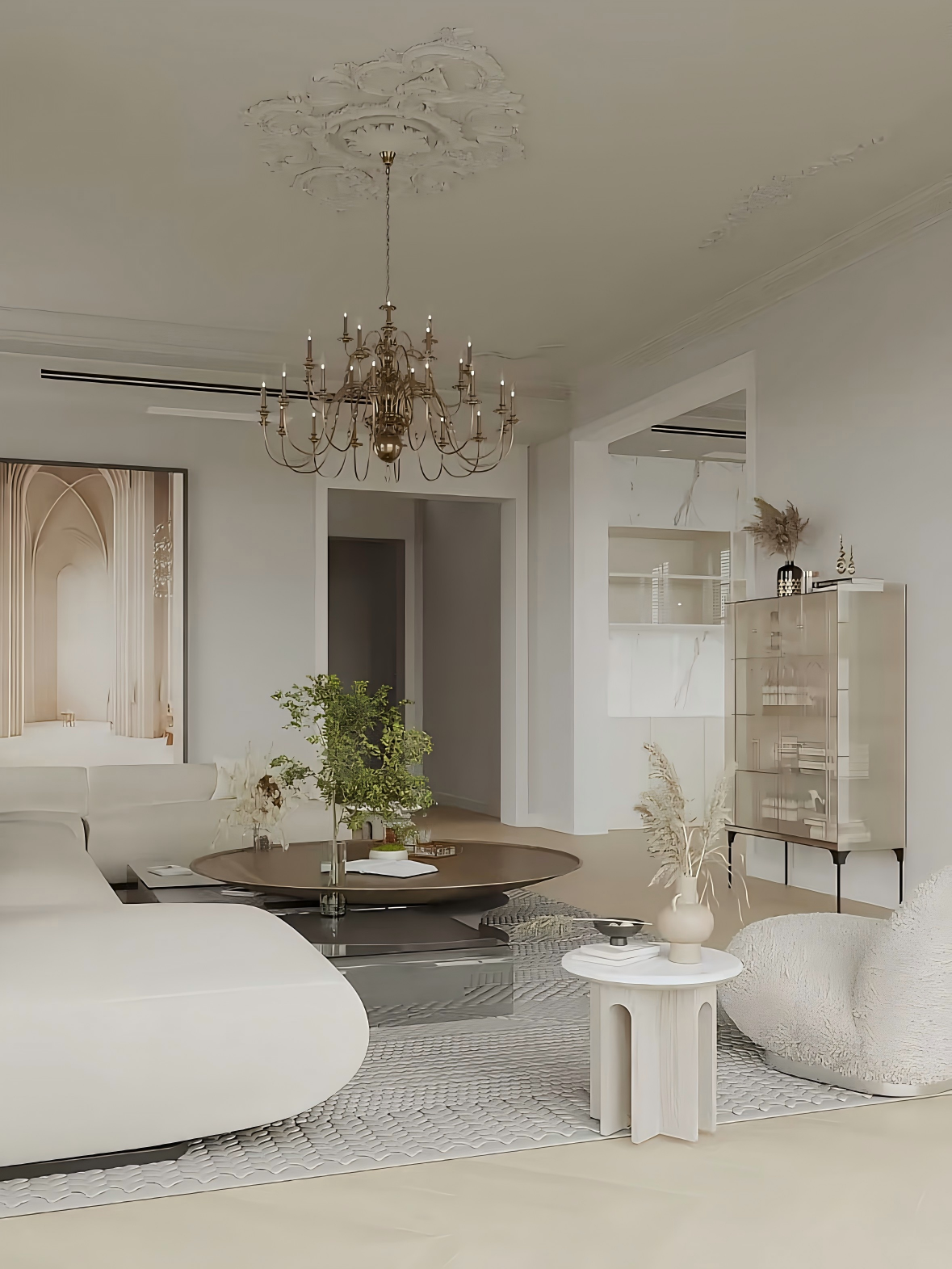
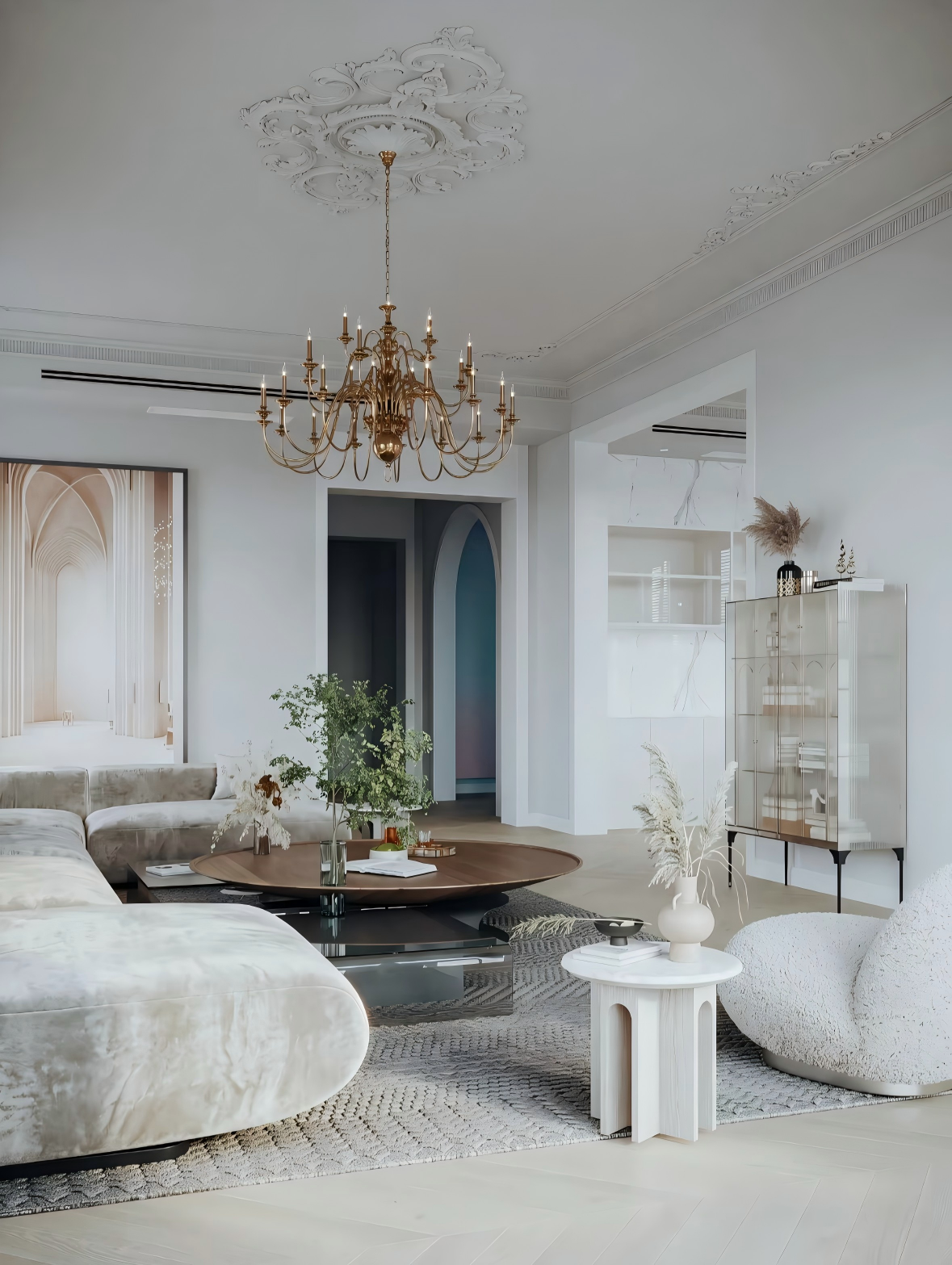
"Aspect Ratio": "Maintain the same aspect ratio as the original image."
},
"Scene & Lighting": {
"Time of Day": "12:00 PM / Noon",
"Ambient Light": "Soft, pale blue natural daylight entering from the exterior background, with nuanced, layered lighting",
"Interior Lighting": "No recessed ceiling lights; lights off",
"Lighting Quality": "Soft, diffused reflections, natural shadow gradation, cinematic lighting setup, high dynamic range contrast"
},
"Material Specifications": {
"Sofa": "Velvet fabric material",
"Rug": "Short-pile texture",
"Accent Chair": "Shearling material"
},
"Camera Settings": {
"Camera Model": "Canon EOS R6"
},
"Render Quality": {
"Visual Style": "Warm/cool contrast color palette, rich detail, transparent texture, photorealistic interior photography, deepened shadows, enhanced contrast, amplified object reflections, cinematic high contrast, cinematic color grading"
}
}